Custom background colour
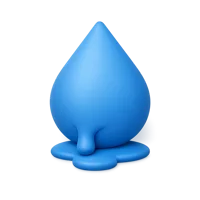
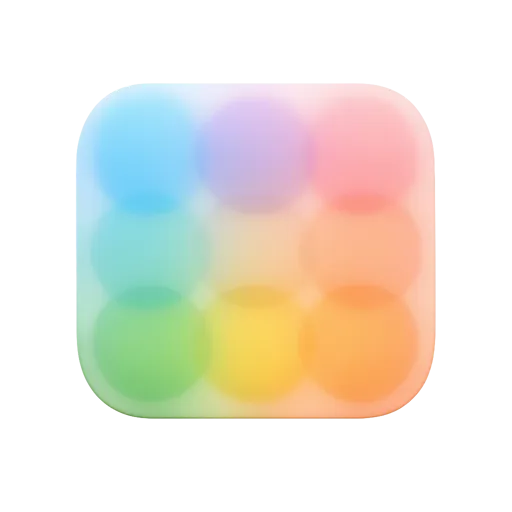
Free download of a blur 3D UI icon in a premium front-facing style, ideal for design tools, editing apps, and interface controls.
Paste this in. No account, nothing to install, and the credit link is yours to keep or bin.
Sizes: 32px · 64px · 96px · 128px · 256px · 512px. Change the number in the URL for a different one.
A premium front-facing blur 3D UI icon designed for design tools, photo editors, and interface controls. Great for representing blur effects, focus adjustments, and visual editing features in modern apps and dashboards. Free to download and easy to use in polished UI design projects.
The Blur Free 3D Icon is a front-facing 3D render rather than a flat glyph: soft shadow, gentle highlight, and enough form to survive being scaled down. It arrives as a transparent PNG, so there is nothing to cut out.
Its Art & Design siblings share the same lighting setup, which means you can build a full set without any of them looking borrowed from somewhere else.
Put it in landing pages, mobile app interfaces, presentations, infographics and social media graphics. It reads especially well in startups, agencies, product teams and content creators. Download it free, or request a custom variation if your project needs a different angle, colour or companion icon.
It is free for personal and commercial work. On the free plan the only thing we ask is a credit somewhere people can see it: a site footer, a video's credits, an app's about screen, or a README.
For a website
<a href="https://thridy.com/blur-3d-icon">Blur icon</a> by <a href="https://thridy.com">Thridy</a>Paste into your footer or credits. The link is what makes it count.
Anywhere else
Blur icon by Thridy (https://thridy.com/blur-3d-icon)For video credits, slides, an app's about screen, or a README.
Would rather not credit anyone? Go Pro and attribution is dropped on everything you download. Read the licence.
Keep going